Features for clearer rosters
See every moving part of shift planning
The wrong tool makes every adjustment a detective job. Mirandelio connects availability, coverage requirements, recurring shifts, and schedule changes so managers can review the full picture before communicating the next version.
Explore the platform
1 view
Planning details brought together
Shift planning features built around real decisions
From the first recurring pattern to the final schedule change, Mirandelio keeps the details that
shape a roster visible, reviewable, and easier to communicate across the workplace.
Build rosters from reusable patterns
Create schedules from reusable templates, then adjust dates, roles, and
staffing requirements without rebuilding every roster from the beginning.
Recurring shifts support predictable patterns while preserving room for
exceptions. Drag-and-drop editing makes changes easier to review, and
coverage indicators help identify gaps before a schedule is shared. Clear
status information shows whether a roster is being prepared, reviewed, or
published, giving managers a practical view of progress from the first draft
through to the final update.
Reusable
Recurring
Available
Same day
Keep availability close to decisions
Record staff availability, leave requests, and changing preferences beside the planning information that depends on them. Managers can review constraints before assigning shifts, while staff receive a clearer route for submitting updates. The workflow keeps decisions visible without treating every request as an automatic approval. That distinction matters: accurate scheduling depends on operational judgment, coverage requirements, and the specific conditions of each workplace.
Availability
Leave requests
Available
Quick setup
Coordinate changes with clear review
Make shift swaps easier to follow with a defined request and review process. A proposed change can remain visible to the relevant people while approval stays with the manager responsible for coverage and workplace obligations. Notifications draw attention to meaningful updates, and the schedule retains a useful record of what changed. Less digging through messages means more time spent checking the practical effect of each adjustment.
Shift swaps
Notifications
Available
Quick setup
Review coverage before publishing
See where staffing coverage may fall short or where assignments could place
too much demand on a team member. Coverage views bring requirements and
planned shifts into the same discussion, helping managers investigate
potential gaps before publishing. Reporting tools support regular review
across dates, roles, and locations where configured. The result is not an
automatic decision-maker; it is a clearer evidence base for people who
remain accountable for the roster.
Coverage view
Reports
Available
Guided setup
Designed for daily operations
The practical details behind a workable roster
A roster becomes easier to manage when availability, coverage, changes, and
communication stay connected instead of being scattered across separate tools.
Availability in context
Availability records stay visible alongside planning details, so
managers can consider leave, preferred times, and changing circumstances
before publishing a roster.
Simpler shift changes
A shared swap workflow replaces back-and-forth messages with visible requests, clear status updates, and a record of decisions that remains easy to check later.
Useful notifications
Targeted notifications help staff notice new shifts, approved changes, and important schedule notes while managers retain control over what requires attention.
Connected team communication
Schedule notes and team communication sit closer to the work they describe, making handovers clearer and reducing the chance that a critical update disappears in an inbox.
More visibility before the roster goes out
The wrong way to manage coverage is to wait for a missed shift, then search through messages for an explanation. A clearer approach brings availability, planned assignments, and coverage requirements into the same review. Mirandelio supports that process with permission controls, change history, and reports designed for practical oversight. Managers can investigate gaps before publishing, examine where assignments may be concentrated, and communicate relevant updates through a more consistent workflow. The software does not make workplace decisions on behalf of a team, and it does not remove the need to check local obligations. It makes the evidence easier to see, the next adjustment easier to discuss, and the final roster easier to understand.
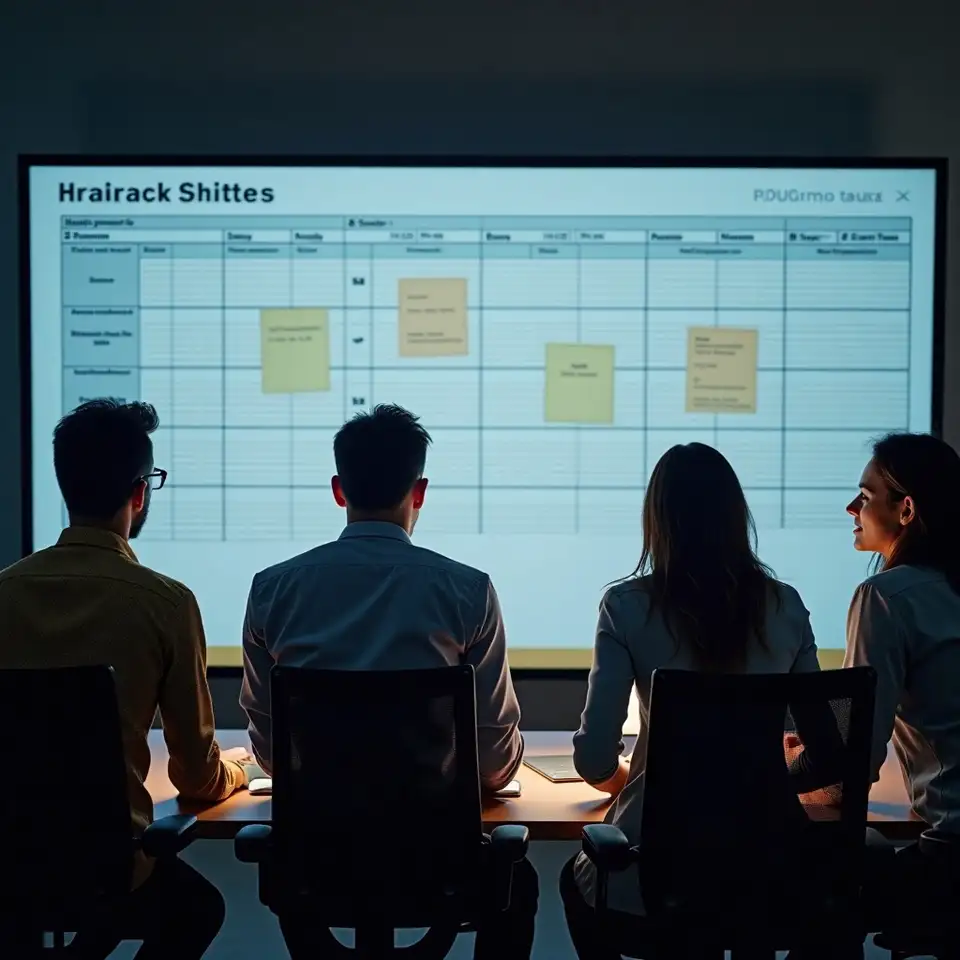
01 Context before commitment
A manager opening a roster should not need to compare several files before understanding whether the plan covers the work. Mirandelio places planned shifts, availability information, coverage requirements, and relevant changes closer together, creating a more coherent operational view. Permission controls help separate routine staff access from manager actions, while reporting supports review across configured dates, roles, or locations. This structure does not replace judgment or workplace checks. It gives accountable people a clearer starting point for investigating gaps, spotting concentrated assignments, and deciding what needs adjustment before a roster is shared. The practical lesson is simple: better visibility makes careful decisions easier to explain.
02 Changes that remain understandable
Schedule changes become difficult when a request travels through private messages, an edited spreadsheet, and a verbal handover. Mirandelio supports a more traceable route. Staff can submit relevant availability updates or swap requests, managers can review the operational effect, and notifications can draw attention to approved changes. A visible history helps clarify what happened without turning the system into an unnecessary archive of every conversation. This approach supports respectful communication while preserving the manager’s responsibility for coverage and workplace requirements. When a shift moves, the people affected gain a clearer account of the current position, and later reviews have better context than a collection of disconnected messages.
03 Review what the roster is saying
Coverage is not a box to tick once. Requirements shift with leave, demand, role mix,
location, and unexpected operational conditions. Mirandelio helps managers compare planned
assignments with the coverage picture, then investigate possible gaps or over-allocation
before publishing a roster. Reports can support recurring review, while permissions help
ensure sensitive workforce information is visible only to appropriate roles. No workflow
can predict every workplace event, and no automated view should replace responsible
oversight. The value lies in giving experienced decision-makers a usable evidence base:
a place to inspect the plan, question assumptions, communicate adjustments, and keep the
reasoning behind a schedule easier to follow.
Connect the tools around your roster
Connect scheduling with the workplace tools already used for calendars, time records,
payroll processes, and team communication.
-
Calendar connection
Work calendars
Connect roster dates with existing calendar workflows where supported, helping teams keep scheduled shifts visible alongside other workplace commitments and planned events.
2 steps -
Payroll connection
Payroll tools
Share relevant roster information with payroll processes where configured, reducing repeated entry and giving authorised teams a clearer source for scheduled hours.
3 steps -
Time tracking
Time records
Bring planned shifts closer to recorded hours where supported, helping managers compare the roster with operational records during routine review.
3 steps -
Team communication
Workplace messaging
Support clearer schedule notifications and change awareness through connected communication workflows, subject to configuration and workplace permissions.
2 steps
See a clearer path for planning ahead
Explore a simple illustration while considering how clearer scheduling might support
planning conversations within a workplace.
A hypothetical example for planning discussion only.